
Showing posts with label HTML5. Show all posts

Thursday, 28 July 2016

How to use Pattern Attribute in Html5

Html5-01r-1920x1080.jpg

Pattern Attribute:


Pattern attribute is used for input field validation and used  to provide  a regular expression which is used to match  the input fields value whether the value is according to the pattern specified or not.

When user  enter a value in the input field and if the value entered is  not as per the  expected format, then a error is thrown and our form will not submit until user does not provide correct format value.

Read more about How to use Pattern Attribute in Html5 visit Findnerd. 

Wednesday, 25 May 2016

An Overview to HTML5

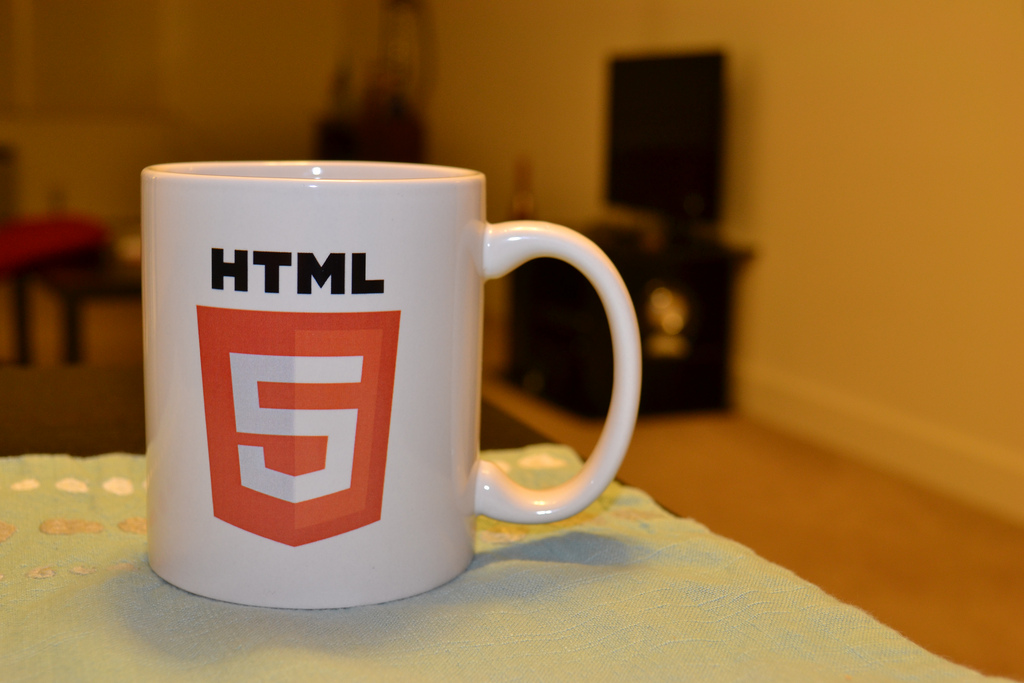
5865032805_84d3b0d7a9_b.jpg

What is HTML5?

  • It is a Hyper Text Markup Language which is used for structuring and presenting content on Internet.
  • It is the current version for HTML.
  • Its previous version was HTML 4.01.
  • It is the 5'th version of the HTML standard.
  • It's main aim to improve the language that supports latest multimedia and easily accessible for the developers.

 Some rules for HTML5:-

  1. All the new features introduced should be based on HTML, CSS , DOM , and JavaScript.
  2. It reduces the need for the additional plugins.
  3. It has better error handling technique.
  4. It is device independent.
  5. It has more markup for replacing the scripting.

Read more about An Overview to HTML5 visit Findnerd.

Monday, 3 August 2015

What are the latest html elements added in html5

Here are various html elements which has been added to html5, some of the important elements are listed bellow:
  1. . <header>
    This html element is used for define the header section of the html page.
    1. <header>
    2. <p>this is header</p>
    3. </header>
  2. . <footer>
    This html element is used for define the footer section of the html page.
    1. <footer>
    2. <p>this is footer</p>
    3. </footer>
  3.  
  4.  
  5.  
  6. Read the full Blog on what are the latest html elements added in html5  at FindNerd Developer's Forum.

  7. FindNerd allows you to post Html Questions and Answers. In this forum html designers and developers can collaborate with each other to resolve a specific html issue, as all the community members here are highly experienced and can provide answers to any html issue in a short span of time.


  8. Apart from this,  If you have any PHP language query, you can post at PHP Developer Forum and get instantly resolved it from highly experienced FindNerd community members.


Tuesday, 28 July 2015

How to make custom attribute in Html5 ?

Hi all, You can make your own custom attribute using data-. It allows possessive exchanged information between HTML and its DOM representation. It can work with javascript also, every browser will let you fetch and modify data- attributes using the getAttribute and setAttribute methods.

Example with css -  

css :-
 
section [data-index='123'] {
color:red;
width:200px;
}


How to make custom attribute in Html5 ?
-For full set of codes /steps, visit the complete Blog: How to make custom attribute in Html5 ?

FindNerd is the right place to resolve HTML problems. Here you can post Html Help Forum.
Apart from this, If you have any PHP language query, you can post at PHP questions and answers and get instantly resolved it from highly experienced FindNerd community members.

Tuesday, 21 July 2015

How to Upload Two Separate Files in PHP

Hi, if you want to upload two separate files from one single form to be uploaded and with a for simplest code Look at mine code. The form will have two separate input files but you need to name them common, ex 'files[]' I'm using 'upload[]' in this case.  

For complete information, Visit full Blog: How to Upload Two Separate Files in PHP


  How to Upload Two Separate Files in PHP  


FindNerd community is a right place where you can post and look for PHP Questions and Answers .
If you need more Blogs related to PHP language then visit to our PHP Blogs.